5The serial port connection on the GenStar MPPT is a standard 9-pin isolated RS-232 port. See Figure 2-3 (#9) for the port location.The GenStar MPPT communicates through the serial port via the open standard MODBUS protocol.
Connect the GenStar MPPT to the serial port for:
Modbus RTU communications
Controller firmware updates with MSLoad firmware utility. LiveView or SD Card firmware updates are recommended for faster uploads.
NOTE:
The RS-232 and EIA-485 ports share hardware. Both ports cannot be used simultaneously.
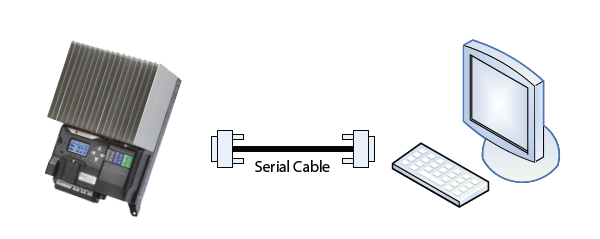
Figure 19. A serial connection between a PC and the GenStar MPPT.
Default Serial Port Settings:
9600 Baud rate
8 data bits
1 or 2 stop bits
no parity